Welcome to Your Digital Home
A calm, private, lightning-fast sanctuary for everything you think, capture, and execute.
Two hundred and twenty-five million people once put their whole lives into a single workspace.
Their ideas. Their meetings. A photo of every whiteboard. The sudden thought that wakes them up at two in the morning. Nobody forced them to do it. No corporate IT mandate. They found it because the classic, natural three-pane layout—notebooks on the left, notes list in the middle, and clean writing on the right—was simply the most intuitive way human beings organize their minds.
Then cloud corporations arrived, bought out beloved software, priced out everyday creators, capped free tiers to practically nothing, and turned personal thinking into rented cloud databases.
Nowted was built to do the exact opposite.
 Nowted•The Workspace in Motion — Zero-Latency Typing & Instant Switching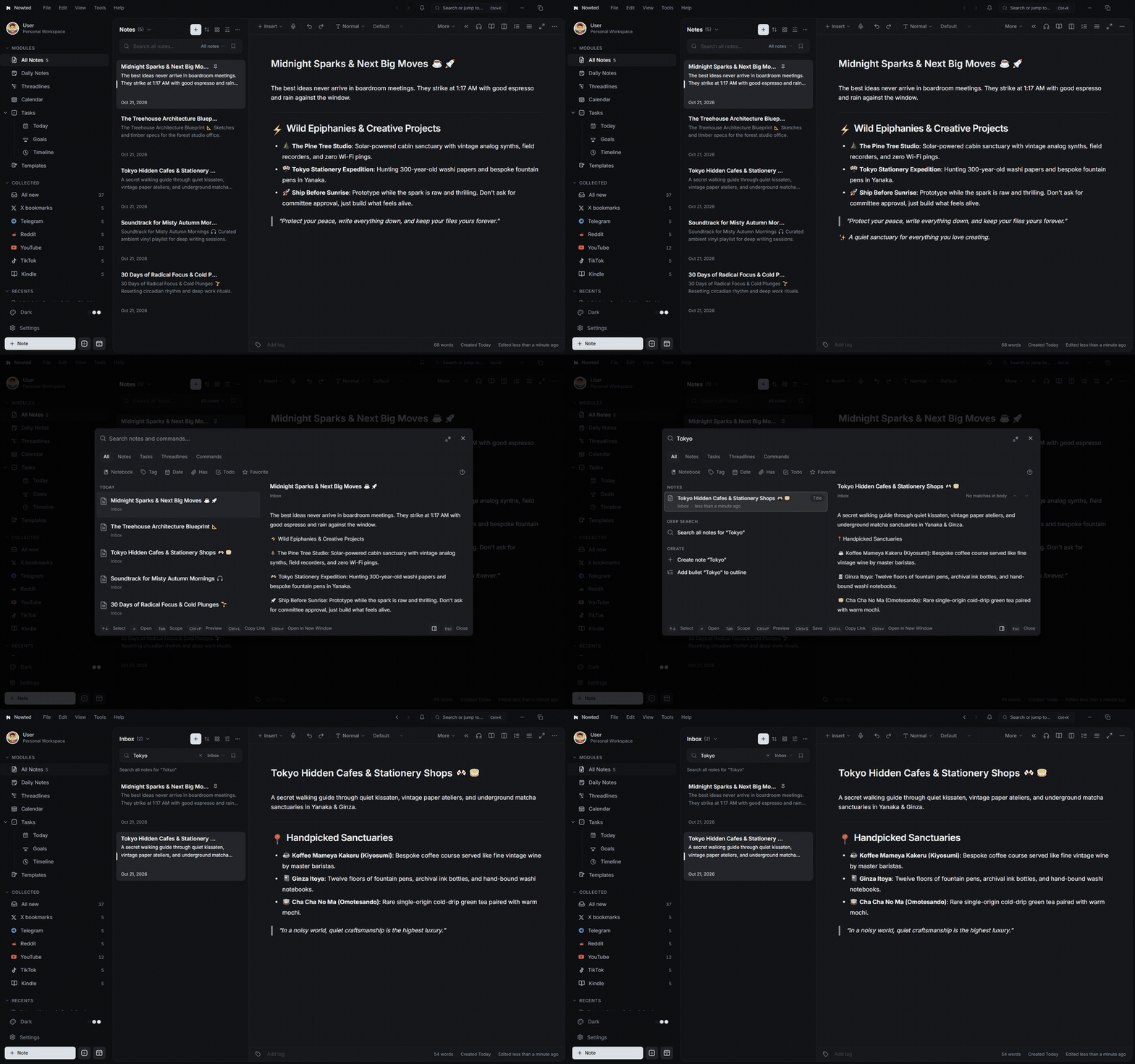
The Real Problem: Cognitive Overwhelm
Most people don't have a note problem. They have a scattered attention problem.
Think about where your saved knowledge is right now:
- Bookmarks buried inside social apps
- Discussions saved across forums
- Short videos and book highlights scattered in silos
- Links dumped into private chats with yourself
- Three hundred videos in "Watch Later" playlists you will never watch
- Sticky notes glued to the rim of your physical monitor
And here is the silent tax nobody talks about: the time and focus you lose every single day juggling a hundred loose threads in your head at once.
Human working memory can only hold a few thoughts at a time. When your brain is forced to act like a filing cabinet for half-formed ideas across six different applications, your head feels permanently full. You freeze up, put off high-leverage work, and procrastinate.
You are not lazy. You simply had fragmented tools that rewarded hoarding instead of execution. When your brain fears losing an idea, your nervous system triggers low-grade background anxiety. Nowted clears that mental clutter instantly.
Capture Everything. Carry None of It.
Nowted is designed around a single foundational promise:
Catch the thought the instant it strikes. Set it down in two seconds. Trust that it will be right there when you need it—so you can clear your head and focus entirely on what is in front of you.
This is not about being productive by frantically doing more. It is about being present by holding less. Every thought you don't have to juggle in your head is a piece of your focus you get back.
Your Life on Your Drive
When you first open Nowted, you choose a folder on your computer where your files live:
- It is a normal folder with clean, standard Markdown files.
- It runs 100% locally on your machine with sub-millisecond response times.
- There are no cloud servers holding your thinking hostage.
- You can open these files in any text editor and read them fifty years from now.
Nowted•The Natural 3-Pane Sanctuary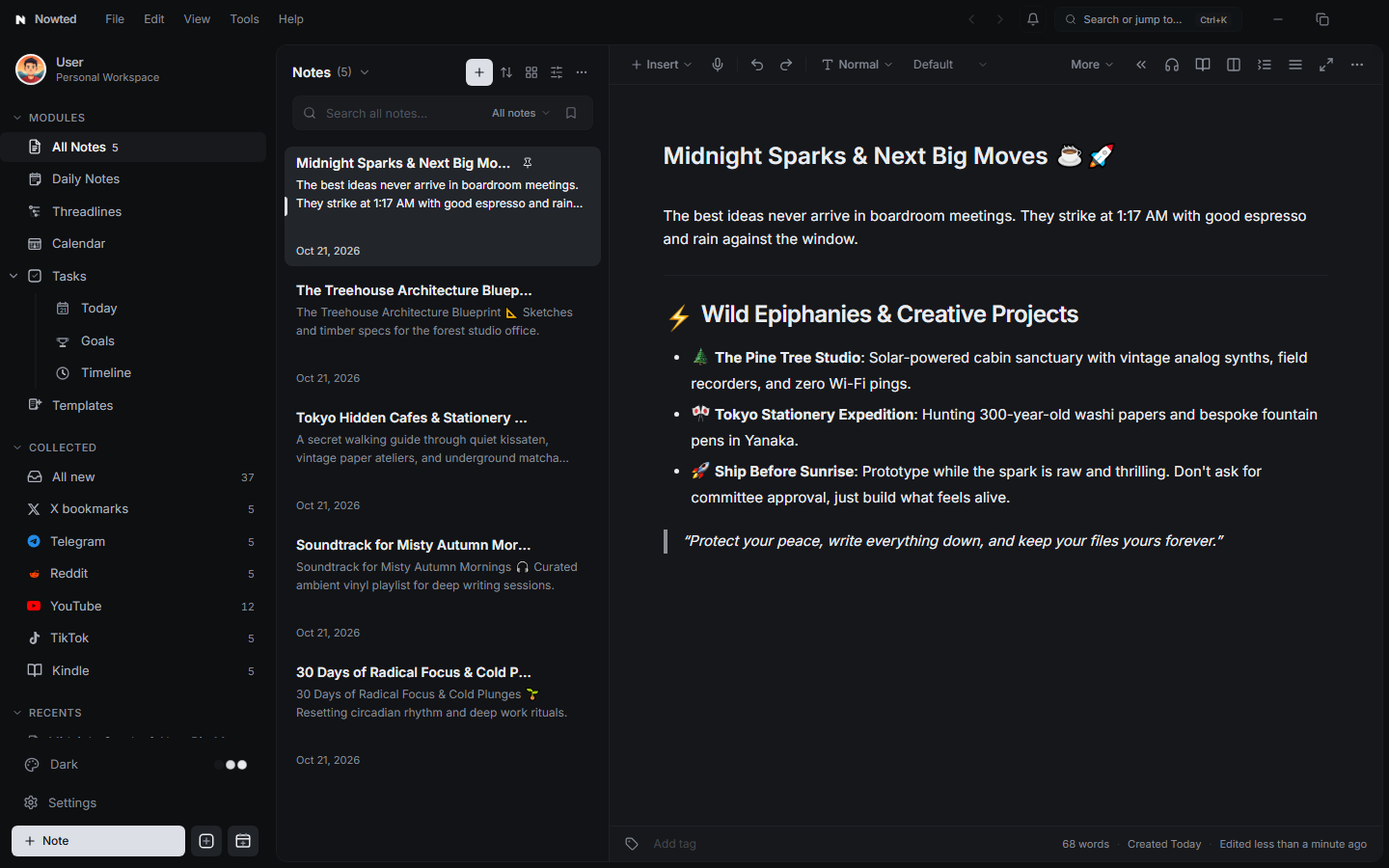
Even if the team behind Nowted vanished tomorrow, every single note, task, and attachment remains intact on your drive. You are not renting your own mind; you are building a permanent compounding intellectual asset.
The 60-Second Quickstart
Getting started requires zero configuration, zero plugin puzzles, and zero complex database setup:
- Open Nowted: Choose a folder on your local drive (e.g.,
Documents/Vault). - Press
Ctrl + N(⌘Non Mac) to create your first note. - Press
Ctrl + K(⌘Kon Mac) to open the Command Palette and jump to any note, task, or view instantly. - Choose Your Theme: Toggle between Dark ("Easy on the eyes") and Light ("Clean & minimal") from the top bar.
You never have to take your hands off the keyboard. Press Ctrl + K to jump anywhere, Ctrl + Shift + T to turn any selected text into an actionable task, and Ctrl + / to summon slash commands.
Was this guide helpful?
Your feedback helps us continuously refine the documentation.